.png)
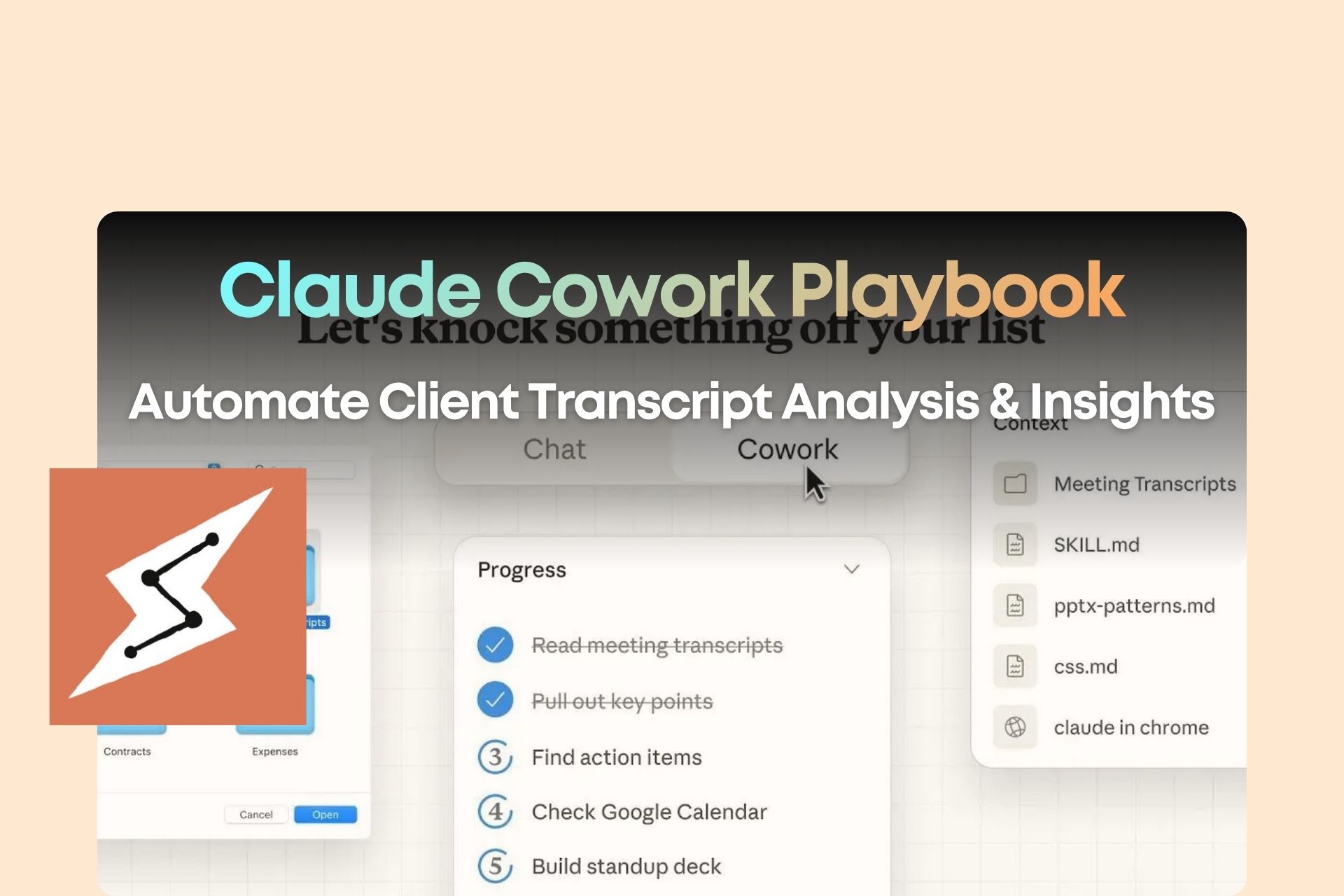
Learn how to use Claude Cowork to automatically process client transcripts, generate pre-call briefs, and uncover cross-client insights.
Introduction: You’re Using Claude Cowork—But Still Doing Manual Work
You’re already using Claude.
Maybe even inside Cowork mode.
But your reality still looks like this:
- Client transcripts are piling up
- You reread notes before every call
- You feel patterns across clients—but can’t articulate them
- Valuable insights exist, but remain unused
The issue isn’t lack of data.
And it’s not AI capability.
👉 The real problem: you don’t have a system that turns raw data into decisions.
Most people use Claude Cowork like this:
- Upload files
- Ask questions
- Copy outputs
That’s not a system.
The real leverage comes when you use Cowork to:
👉 Automatically read → structure → analyze → output decision-ready assets
Claude Cowork Isn’t Chat—It’s Execution
Chat mode responds.
Cowork mode executes.
With the right setup, Cowork can:
- Scan entire folders
- Process multiple files at once
- Generate structured outputs automatically
But only if you give it:
👉 A clear working environment
The Minimal System Setup (This Is All You Need)
/workspace
/context
/projects
/output
claude.md
Context (Identity & Rules)
This defines how AI thinks.
Includes:
- about_me.md → who you are
- brand_voice.md → how you communicate
- working_preferences.md → how decisions are made
Projects (Input Layer)
projects/client_sessions/
This is where all transcripts live.
Output (Results Layer)
output/client_tracking/
All generated assets go here.
The Core System: Client Brief Automation Workflow
Based on the full workflow design , this system produces three outputs in one run:
1. Client Progress Tracking (Excel)
Automatically structured:
- Session history
- Client commitments
- Your recommendations
- Follow-ups
- Execution tracking (formula-based)
This isn’t just documentation.
👉 It becomes a decision system per client
2. Pre-Call Brief (Markdown)
Each client gets a structured brief:
- Key progress from last session
- Unresolved commitments
- Observations you haven’t voiced yet
- Strategic questions for next session
- Upsell / expansion opportunities
👉 Every call becomes a continuation—not a reset
3. Cross-Client Insights (Highest Leverage)
This is where the real value is.
The system identifies:
- Repeated advice across clients
- Surface problems vs underlying patterns
- Missed revenue opportunities
- Productizable frameworks
👉 This is nearly impossible to do manually
Why You Haven’t Done This Yet
1. Human brains don’t do cross-analysis well
You remember:
- Client A’s issue
- Client B’s issue
But you don’t naturally overlay patterns across 6+ people.
2. You redo everything every time
Without a system:
- Reopen files
- Reprocess mentally
- Rewrite notes
👉 No compounding effect
3. No standardized outputs
Results become:
- Inconsistent
- Hard to compare
- Impossible to scale
Skills Are the Real Engine (Not AI Itself)
The key shift:
👉 AI is not the leverage. Workflow is.
A Skill = a full SOP.
The defining principle in this system:
👉 Run everything in one pass. No interruptions.
That means:
- No back-and-forth
- No clarification mid-process
- Complete output in one execution
👉 That’s when AI becomes an operator, not an assistant
Workflow Breakdown (Simplified)
Step 1: Scan transcripts
- Read all files
- Identify clients
- Sort chronologically
Step 2: Build client structures
{
"Client A": ["session1", "session2"],
"Client B": []
}
Step 3: Generate tracking sheets
- Structured
- Formula-driven
- Immediately usable
Step 4: Generate pre-call briefs
- Insight-driven
- Strategic
- Not summaries
Step 5: Generate cross-client insights
- Pattern detection
- Business opportunities
- Strategic blind spots
Step 6: Infer dates
The system interprets:
- “next week” → +7 days
- “30 days” → +30 days
- “end of month” → last day
With confidence levels attached
Step 7: Final report
Includes:
- Files created
- Key findings
- Unverified assumptions
- Suggested next actions
The Real Shift: From Data Storage to Decision Systems
Most people think the bottleneck is:
👉 Not enough time to process data
But the real bottleneck is:
👉 No system to convert data into decisions
Once this workflow is in place:
- Client data becomes interconnected
- Patterns become visible
- Decisions become faster and sharper
And most importantly:
👉 Your business stops depending on memory—and starts running on systems